Live demo
An accountancy practice and six clients
Harbour & Lane Accountants, a fictional practice, with a landlord, a sole trader, a VAT-registered café, a CIS builder and more, at different stages of the 2025-26 tax year.
Harbour & Lane is a small fictional practice: Ruth Hughes (partner), Ade Okoro (tax senior) and Lucy Fairbairn (bookkeeper). Their clients have uploaded a year of bank statements. The AI agent has sorted every line, flagged the ones it was unsure of, and each client sits at a different stage, from just uploaded to filed in HMRC's sandbox.
The clients
Jordan Hale
Landlord with 100 residential properties
Sorted, reviewed and filed in HMRC's sandbox. 274 of 275 lines sorted from what Jordan confirmed last year; 1 flagged.
Priya Shah
Small landlord, two flats
Sorted. Review queue open with 3 flagged lines.
Tom Reid
Sole trader IT consultant, one mixed personal and business account
Mid-review: some personal spending already moved out of the business figures, 6 lines flagged.
Ellie Moss t/a Corner Cup Café
Café, VAT-registered (standard scheme, quarterly)
One VAT quarter ready to submit, the next one open. Income Tax in progress.
Dan Kowalski
CIS subcontractor builder
Statements just uploaded and sorted, not reviewed yet. 4 lines flagged.
Sam Rivers
Employee with a craft side business on Etsy
Sorted. Review queue open with 2 flagged lines.
Guided tour
- Sign in with the demo login below. No emailed code is needed in the demo workspaces.
- If you're asked to choose a workspace, pick Harbour & Lane Accountants.
- Open the review queue and see which lines the AI flagged across the six clients, and why.
- Open Jordan Hale (C1): 275 transactions, sorted from last year's confirmed choices, with the return filed in HMRC's sandbox.
- Open Tom Reid (C3): see how personal spending is kept out of the business figures.
- Open Corner Cup Café (C4) and the VAT return: the 9 boxes come from the coded lines, worked out by rules, not by the AI.
- Try to change something. The demo login is read-only, so the change is refused. That's what a viewer should see.
Demo login
- Sign in at
- demo.daybook.co.uk/login
- demo@daybook.co.uk
- Password
- Daybook-Demo-2026!
- Workspace
- Harbour & Lane Accountants
Read-only, and reset every 30 minutes. Every page opens and every change is refused. Everyone and everything in the demo is fictional. Filings are made in HMRC's sandbox with test taxpayers.
Videos for this use case
 ▶ 5:35
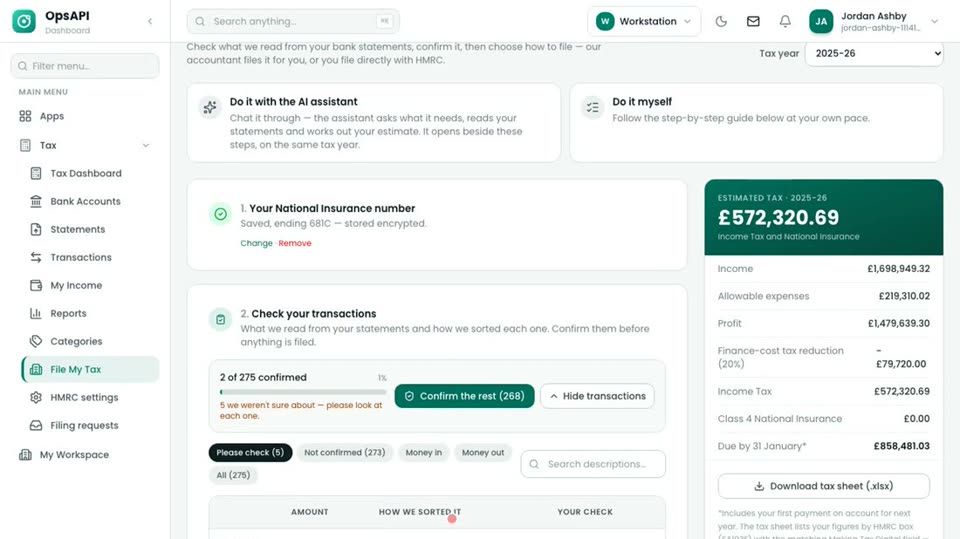
The AI sorts, an accountant reviews
After the agent has sorted the year, an accountant works through the lines it was unsure of. Each correction is explained on screen, so a practice keeps a qualified person in ch…
Watch →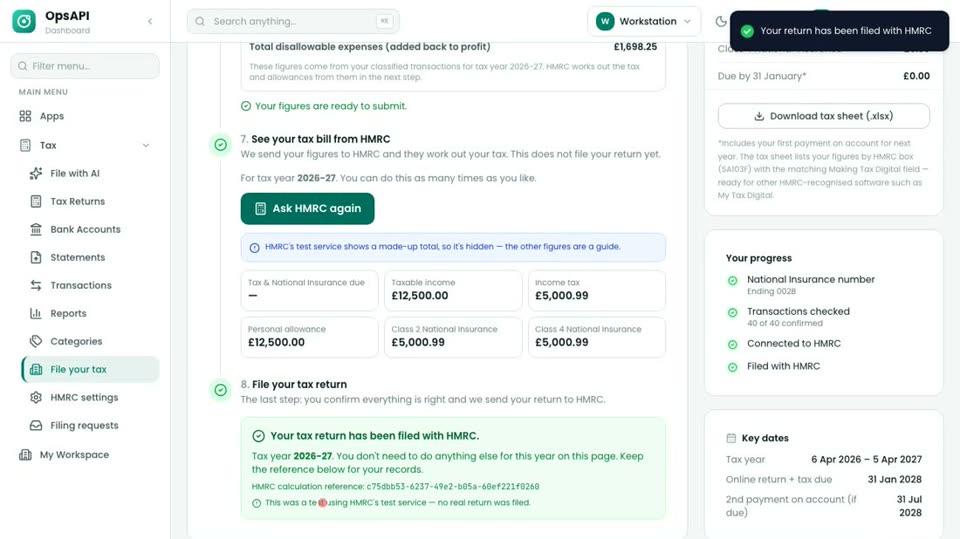 ▶ 2:24
Sole trader: AI bookkeeping to HMRC filing
A self-employed consultant uploads two statements. The agent keeps personal spending out of the business figures, HMRC works out the tax and the return is filed.
Watch →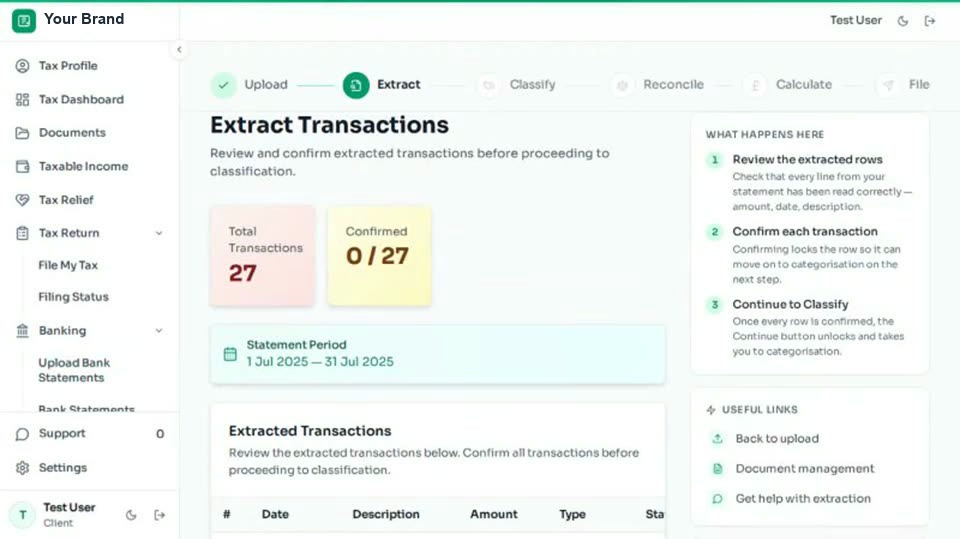 ▶ 0:27
Your own branded app for your clients
The same engine under your brand, for your end customers: sign in, upload, extract, classify, reconcile, calculate and file. Your clients see your name, not ours.
Watch →MTD for Income Tax: what changes for your practice
Who is in scope and when, quarterly updates and the final declaration, then how Daybook handles each step.
What it will show →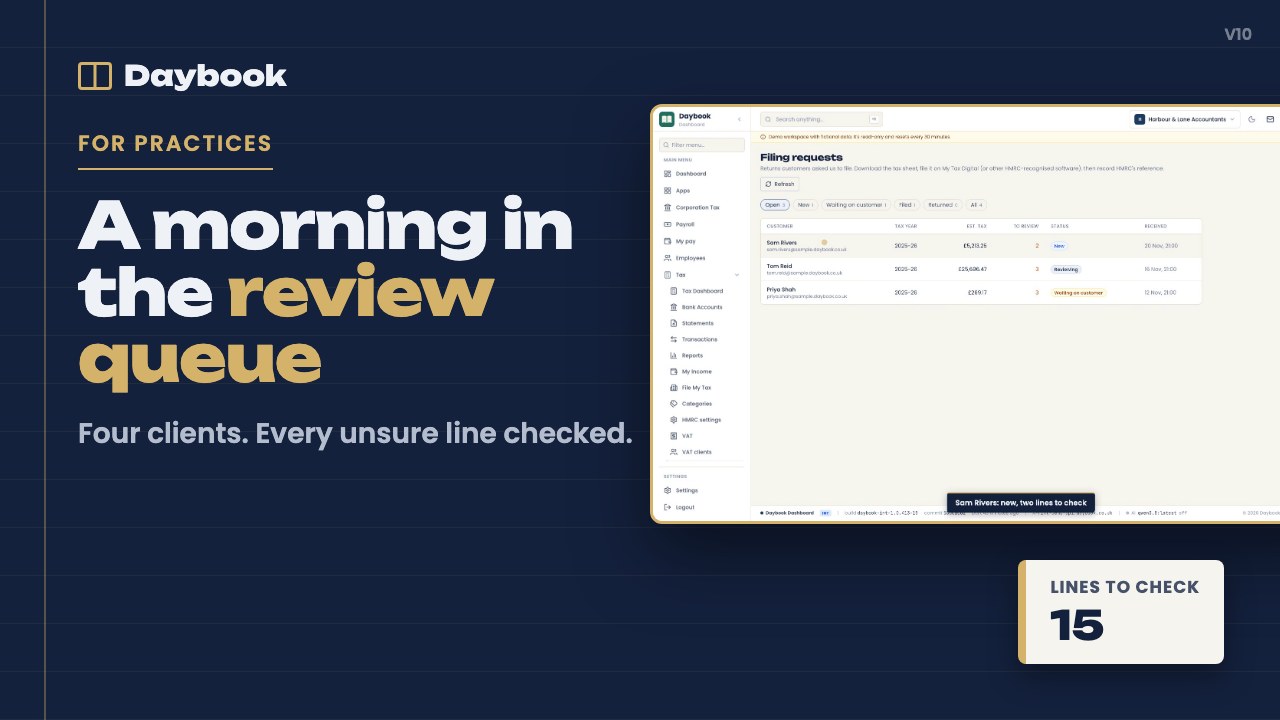 ▶ 2:04
A morning in the review queue
An accountant clears the flagged lines across six clients: why the AI was unsure, one-click corrections, and the AI remembering them next year.
Watch →Onboarding a client in five minutes
The practice invites a client, the client signs in to the practice's branded app and uploads statements, and the practice sees them sorted.
What it will show →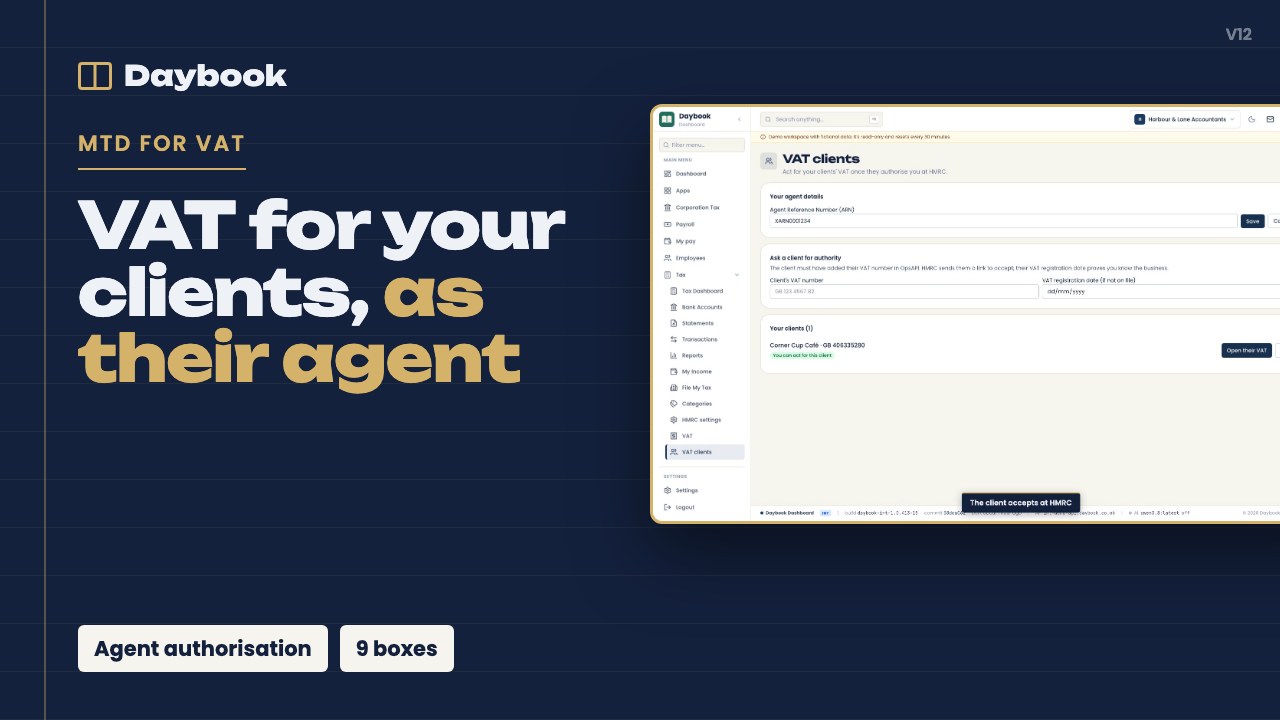 ▶ 2:08
Acting as agent: VAT for your clients
HMRC agent authorisation, the client list, and preparing a client's VAT return under the agent link.
Watch →Quarterly updates at scale
One practice, many MTD clients: which quarters are due, the figures for each, and submitting each update.
What it will show →Your brand, your domain, your colours
Setting up the white-label app: theme, logo and domain, and the client's view before and after.
What it will show →Security and data: what your IT person will ask
UK hosting, each practice's data kept apart, roles, two-step sign-in and single sign-on, the audit trail, fraud-prevention headers, and which AI model sees what.
What it will show →Uploading your bank statements from your phone
Uploading statements from a phone, including a photo of a paper statement.
What it will show →Answering your accountant's questions
The client sees a flagged line, picks the answer, and it goes back to the practice.
What it will show →Your tax estimate, explained
Reading the estimate, what changes it, and when it becomes final.
What it will show →Connecting to HMRC for Income Tax and VAT
Signing in to HMRC once so the software can send updates and returns.
What it will show →Getting statements in: PDF, CSV and photos from UK banks
How statements from UK banks arrive as PDF, CSV or a photo, and how each line is read.
What it will show →Creating and reading Peppol e-invoices
Building a Peppol BIS 3.0 e-invoice from an invoice, and reading a supplier's e-invoice into the VAT records.
What it will show →Connecting Daybook to your practice systems: API and webhooks
API keys, signed webhooks and the TypeScript SDK, for practices that want figures and events in their own systems.
What it will show →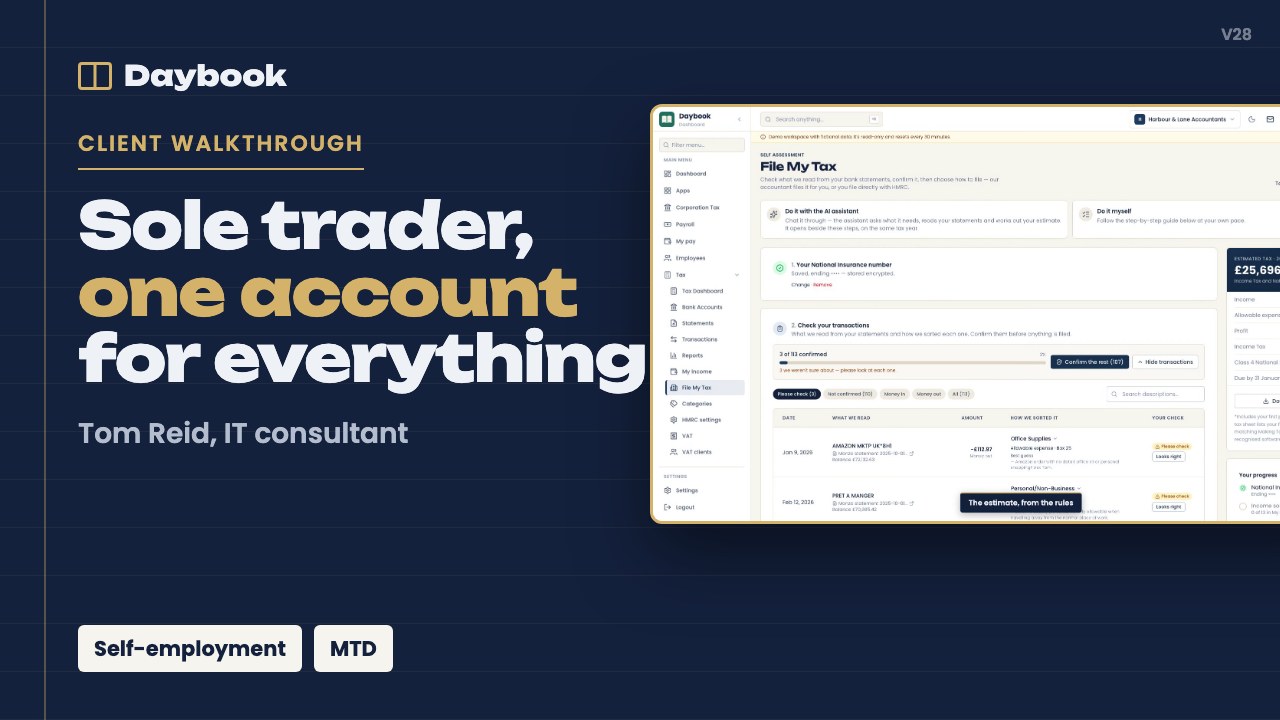 ▶ 2:21
Client walkthrough: Tom Reid, IT consultant
A sole-trader IT consultant with one account for everything: the AI keeps personal spending out, the accountant checks six lines, asks one question, and the figures are ready fo…
Watch →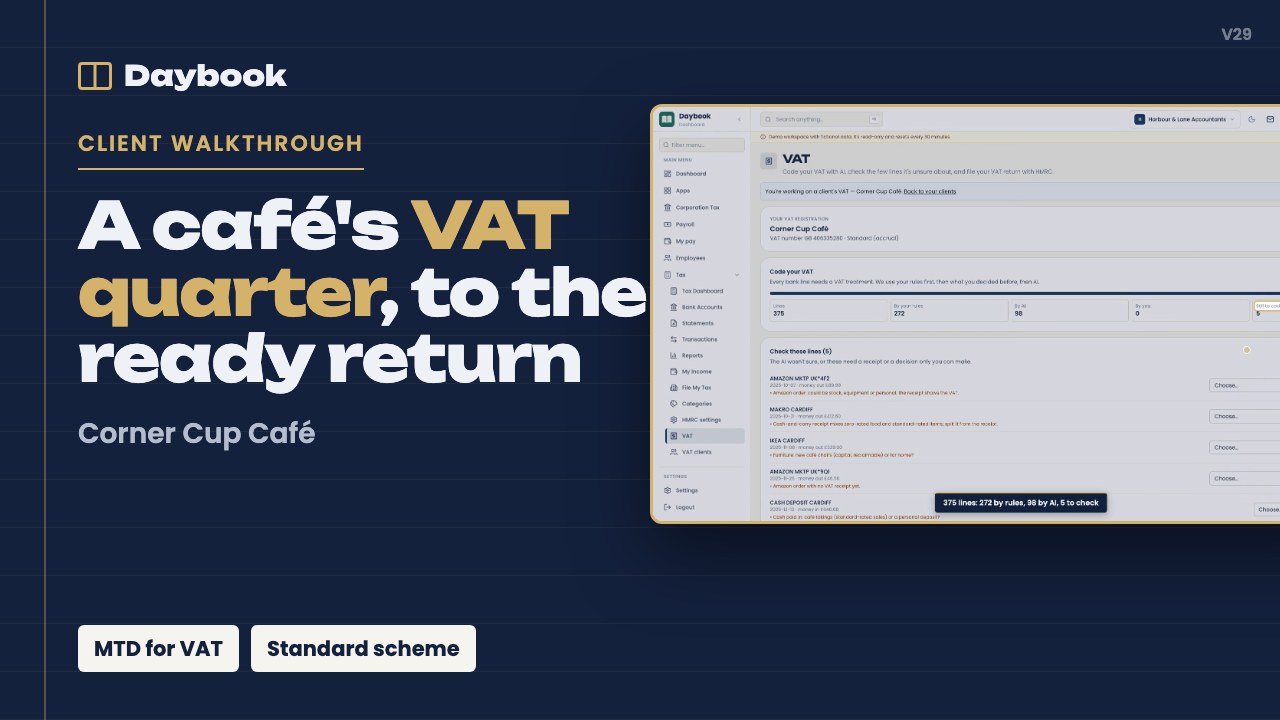 ▶ 2:37
Client walkthrough: Corner Cup Café, VAT and Income Tax
A VAT-registered café: coding a quarter's lines, the nine boxes from a rules engine, filing the VAT return (HMRC sandbox), and the Income Tax side in progress.
Watch →Next step
See it with your own clients in mind
Book a 30-minute call. We show the demo practice, answer your questions, and scope a pilot on your sample statements.
Brochures for each trade, and for landlords, are on the demos page.